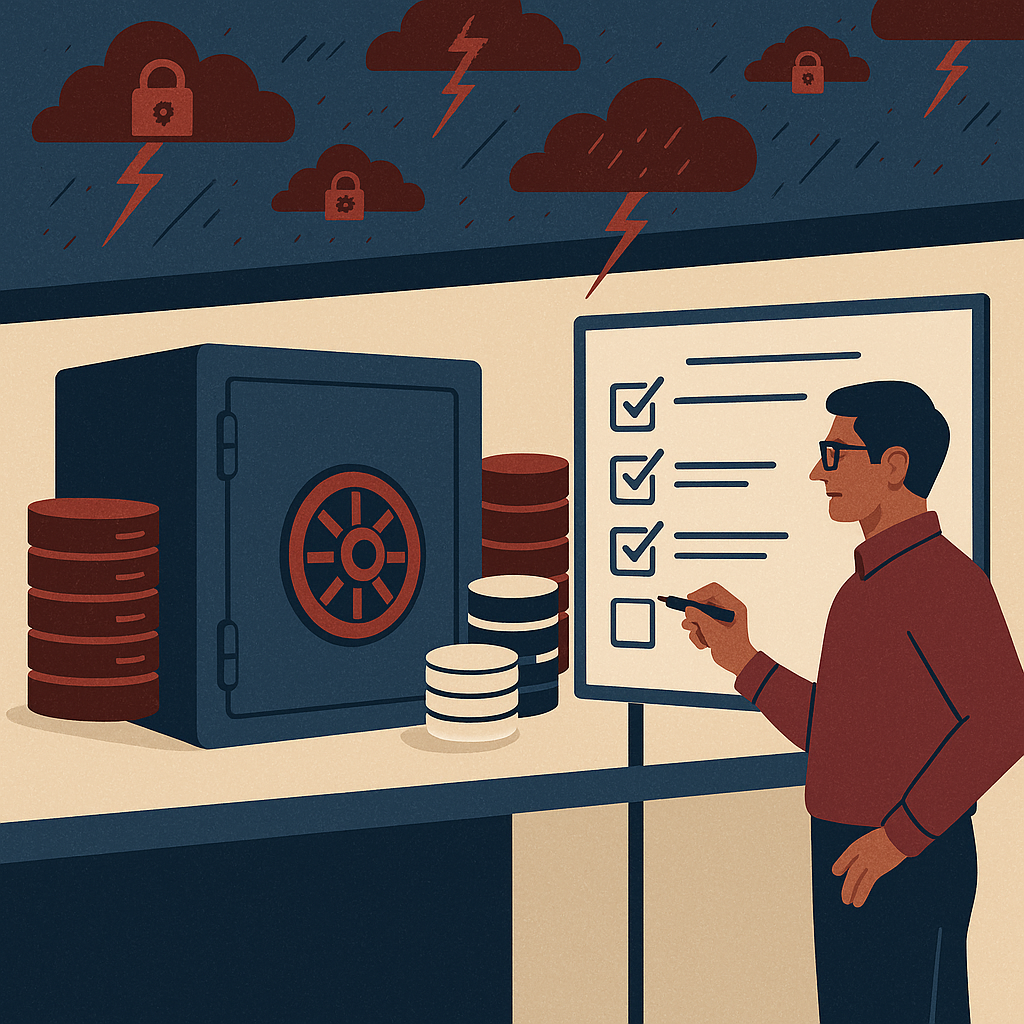
Smart capture in 2026 using OCR, IDP, and validation rules to reduce document errors, rework, and manual processing effort.
Smart Capture in 2026: OCR, IDP, and Validation Rules That Reduce Errors
Every organization has a “silent tax” it pays every day: time lost to manual data entry, rework caused by capture errors, delayed approvals because documents arrive incomplete, and compliance risk created when supporting evidence is missing or inconsistent. In 2026, this tax is no longer acceptable—especially for finance, operations, and compliance teams asked to do more with tighter headcount and higher audit expectations.
Smart Capture has evolved into a practical, enterprise-grade capability that combines OCR, Intelligent Document Processing (IDP), and validation rules to reduce errors at the source—before bad data hits your ERP, before incomplete files move to approvals, and before audit gaps become business disruptions. This article breaks down what “Smart Capture in 2026” really means, why it matters for decision-makers, and how to approach it as part of an end-to-end document management and workflow automation strategy.
Why this matters today
Three shifts are driving Smart Capture adoption across enterprises:
1) The volume and variety of documents have exploded
Invoices, delivery challans, contracts, KYC files, quality certificates, emails, PDFs, scans, WhatsApp images, and portal downloads now coexist. The capture layer must reliably process this mixed reality, not an idealized “clean PDF” world.
2) Audits and compliance expectations are stricter
Regulators and internal auditors increasingly expect traceability—what came in, what was extracted, who validated it, what exceptions were raised, and how the final value got posted. Smart Capture creates enforceable checks and a defensible trail.
3) AI search and automation depend on clean data
AI can summarize, route, and answer questions only if document metadata and extracted fields are accurate. Bad capture becomes “AI hallucination fuel.” Smart Capture is the foundation for trustworthy AI-assisted document management.
Key challenges (what breaks in real life)
Low-quality scans and image-heavy PDFs
Skew, shadows, stamps, handwriting, and camera photos reduce OCR accuracy. Without pre-processing (deskew, denoise, contrast correction), you get error-prone extraction and downstream rework.
Unpredictable vendor/customer formats
The same “invoice” can be a one-page PDF, a multi-page scan with annexures, or an email body with an attachment. Template-only capture collapses when formats change; IDP is needed to adapt.
Field ambiguity and inconsistent labeling
“Total,” “Grand Total,” “Amount Payable,” and “Net Amount” might all exist. IDP must interpret context, while validation rules confirm what’s acceptable for posting.
Weak controls around exceptions
When extraction fails, teams fall back to manual edits without traceability. That creates audit exposure and makes it impossible to measure improvement. Exception workflows must be structured and logged.
Disconnection from DMS/ECM and ERP processes
Capture is often treated as a standalone utility. In reality, value comes when captured data feeds document management, approval workflows, retention policies, and posting integrations.
Risks of getting capture wrong
- Financial leakage: duplicate invoices, incorrect totals, missed discounts, wrong GST/VAT fields, and inaccurate postings.
- Operational delays: approvals stall due to missing supporting documents or unclear extracted values.
- Compliance gaps: incomplete audit trails, inconsistent document versions, and inadequate record retention enforcement.
- Security and data exposure: manual handling increases the risk of unauthorized access, emailing sensitive files, or storing documents in uncontrolled drives.
- AI reliability issues: AI search and analytics become untrustworthy when metadata is wrong or documents are misclassified.
Deep-dive: Smart Capture in 2026 (OCR + IDP + Validation Rules)
Smart Capture is not a single feature. It is a controlled pipeline designed to convert unstructured documents into structured, validated, and workflow-ready data—within your security and compliance boundaries.
1) OCR: Turning pixels into text (but doing it enterprise-grade)
OCR remains essential, but the enterprise bar is higher in 2026. You need consistent accuracy across low-quality scans, mixed languages, stamps, and multi-page documents. The “smart” part begins before OCR: image enhancement (deskew, despeckle, contrast) dramatically improves extraction quality and reduces manual correction rates.
Decision-maker lens: OCR is a cost center unless it directly reduces processing time, improves compliance evidence, and increases straight-through processing (STP).
2) IDP: Understanding documents the way business processes do
Intelligent Document Processing goes beyond OCR by classifying documents (invoice vs PO vs KYC), extracting fields with context (vendor name, invoice number, tax amounts, bank details), and learning from variations. IDP matters when formats are inconsistent and data appears in different places across vendors, branches, and countries.
Practical scenario: A vendor changes invoice layout. Template-based OCR breaks; IDP continues to detect key fields and flags uncertain values for review instead of silently producing wrong entries.
3) Validation rules: The control layer that prevents bad data from moving forward
The most overlooked component is rules-based validation. Even strong OCR/IDP will produce uncertain or incorrect fields sometimes. Validation rules reduce errors by enforcing what “valid” means for your business—before documents enter approvals or ERP posting.
Examples of high-impact validation rules
- Invoice number uniqueness (within vendor + fiscal year) to prevent duplicates
- GST/VAT format and state code validation
- 3-way match readiness checks (PO present, GRN present, totals align within tolerance)
- Mandatory attachments enforcement (e.g., COA/quality certificate required for regulated materials)
- Bank account/IFSC validation for vendor master updates
Decision-maker lens: Validation rules are “preventive controls.” They reduce downstream approvals time, prevent financial leakage, and provide audit defensibility.
Solution approach: How to design Smart Capture that actually reduces errors
Smart Capture succeeds when it’s treated as part of enterprise content management (ECM) and workflow automation—not as a scanning add-on. A practical approach includes:
Step 1: Start with priority workflows, not “all documents”
Focus on high-volume or high-risk processes such as AP invoices, employee claims, KYC onboarding, contracts, or quality documentation. Success is measured in cycle time reduction, STP improvement, and audit readiness.
Step 2: Define “gold fields” and tolerances
Identify which fields must be near-perfect (e.g., invoice number, vendor GSTIN, total amount) vs fields where approximate extraction is acceptable. Set thresholds to decide when human review is mandatory.
Step 3: Build rule-based controls that reflect policy
Convert policies into validation rules: required supporting docs, approval limits, duplicate checks, tax format checks, and tolerance-based matching.
Step 4: Close the loop with exception workflows
Every exception should produce a trackable task: who corrected it, what changed, why it changed, and how long it took. This is how you continuously improve extraction and reduce manual effort over time.
Feature breakdown (what to look for) — DIV cards
Multi-channel ingestion
Capture from scanners, email, folders, portals, and mobile uploads—while maintaining consistent naming, indexing, and classification rules.
Document classification
Automatically identify document type (invoice, PO, GRN, KYC, contract, policy) to trigger the right extraction model and workflow.
Field extraction with confidence scoring
Extract key fields and show confidence scores so low-confidence values automatically route to review rather than creating hidden errors.
Validation rules engine
Configure mandatory fields, format checks, duplicate detection, tolerance checks, and cross-field consistency (e.g., subtotal + tax = total).
Exception handling + audit trail
Track every correction and approval step with timestamped logs to support internal controls and external audits.
Secure document management integration
Store documents in a controlled DMS/ECM with role-based access, version control, retention policies, and fast retrieval for audits and operations.
Traditional vs modern Smart Capture (2026) — DIV cards
Traditional capture
- Template-heavy OCR that fails when formats change
- Manual indexing and inconsistent naming
- Corrections happen outside the system (email/Excel)
- Limited governance and weak audit trail
- Search depends on file names and human discipline
Modern Smart Capture (2026)
- IDP-based classification and extraction across variable layouts
- Confidence scoring + structured review queues
- Validation rules enforce policy and prevent bad data flow
- DMS/ECM integration with security, retention, and version control
- AI-ready metadata for fast retrieval, analytics, and automation
Industry use cases (where error reduction pays back fast)
Accounts Payable (AP) and finance operations
Scenario: Invoices arrive via email and scans; teams manually enter data into ERP. Errors create duplicates, payment delays, and vendor disputes.
Smart Capture impact: Extract invoice fields, validate GST/VAT formats, detect duplicates, and route exceptions with audit trail—improving cycle time and reducing leakage.
Manufacturing and supply chain documentation
Scenario: GRNs, delivery challans, inspection reports, and COAs are scattered across plants.
Smart Capture impact: Standardize indexing, enforce mandatory quality attachments, and make documents searchable by batch/lot for audits and recalls.
Banking/financial services onboarding and KYC
Scenario: ID proofs, address proofs, forms, and declarations must be verified, stored, and retrievable.
Smart Capture impact: Classify documents, extract key identifiers, enforce completeness checks, and create a compliant audit trail with controlled access.
Healthcare and regulated environments
Scenario: Consent forms, lab reports, insurance claims, and vendor compliance documents require tight control and fast retrieval.
Smart Capture impact: Reduce manual indexing errors, enforce retention and access policies, and improve response time for audits and investigations.
Legal, contracts, and corporate governance
Scenario: Contract versions and supporting documents are hard to track; clause search is slow.
Smart Capture impact: Classify and tag agreements, enforce version control, and support faster discovery with reliable metadata.
Implementation perspective (what leaders should demand)
Smart Capture implementations fail when they are judged only by “OCR accuracy” in a demo. Decision-makers should structure delivery around measurable operational outcomes and governance requirements.
A practical rollout plan
- Discovery: map document types, volumes, exception types, and compliance needs.
- Pilot: pick one workflow (e.g., AP invoices) with clear KPIs: cycle time, exception rate, duplicate prevention.
- Rules-first design: implement validation rules early to stop bad data and create measurable control points.
- Workflow integration: route approvals, exceptions, and records storage in the DMS/ECM—not through email chains.
- Scale: extend to other documents with reusable components—classification, extraction patterns, rule sets, retention policies.
Governance checklist
- Role-based access and least-privilege controls
- Retention policies aligned to compliance requirements
- Audit trails for capture, validation, edits, and approvals
- Exception queues with ownership and SLAs
- Metrics dashboard: STP rate, correction rate, cycle time, and top exception categories
Business impact & ROI (how error reduction translates into value)
For leadership teams, the strongest case for Smart Capture is not “automation for its own sake.” It’s measurable impact across cost, speed, risk, and decision quality:
Lower processing cost per document
Reduced manual entry and fewer corrections shrink total effort. Validation rules prevent “rework loops” that consume senior approver time.
Faster cycle times and better cash control
Faster invoice processing enables on-time payments, fewer holds, improved vendor relationships, and better visibility into liabilities and accruals.
Reduced compliance risk and audit effort
A consistent system of record—documents + metadata + validation logs—reduces audit preparation time and improves defensibility during investigations.
Better operational decisions from cleaner data
When extracted fields are reliable, leaders get stronger reporting, exception analytics, and forecasting. Clean capture becomes a data quality strategy.
Future readiness: the AI angle (AI search, copilots, and trusted automation)
In 2026, organizations want AI assistants that can instantly answer: “Show me all invoices from Vendor X above a threshold,” “Find contracts expiring next quarter,” or “List deviations found in quality certificates by plant.” These capabilities depend on two foundations:
- Accurate metadata and extracted fields (Smart Capture’s job)
- Governed storage and permissions (DMS/ECM’s job)
The winning approach is “AI with controls”: AI can accelerate classification, extraction, and search, but validation rules, access control, and audit trails ensure output remains trustworthy for financial posting and compliance.
FAQs
1) What’s the difference between OCR and IDP?
OCR converts images into text. IDP adds document understanding—classification, contextual extraction, confidence scoring, and learning from variations—so it performs better across changing layouts and complex documents.
2) Why are validation rules essential if IDP is “intelligent”?
Intelligence does not equal control. Validation rules represent your business policy and compliance requirements. They prevent silent errors, enforce completeness, and ensure exceptions are handled with traceability.
3) Which processes usually deliver ROI fastest?
High-volume and high-risk workflows typically deliver the fastest payoff: accounts payable, claims processing, onboarding/KYC, and regulated documentation where missing evidence creates audit exposure.
4) How do we handle low-quality scans from branches or vendors?
Use image pre-processing, enforce minimum scan standards where possible, and rely on confidence scoring + review queues. The goal is not “perfect OCR,” but controlled outcomes: uncertain fields must be flagged and validated before posting.
5) What should CTOs and compliance leaders ask during evaluation?
Ask how the system supports audit trails for corrections, role-based access, retention policies, exception handling, integration with DMS/ECM and workflow automation, and measurable KPIs (STP rate, error rate, cycle time, exception reasons).
Smart capture 2026 with OCR and intelligent document processing (IDP) improves enterprise document management, ECM workflows, compliance controls, workflow automation, validation rules, secure content governance, AI search readiness, invoice processing, records management, audit trail, and data extraction accuracy for regulated industries.
Ready to reduce capture errors and speed up workflows?
If your teams are still keying data manually, chasing missing documents, or struggling with audit readiness, Smart Capture can become a measurable advantage—faster cycle times, fewer exceptions, stronger compliance, and AI-ready search across your enterprise content.